Sharing Recipes
Clever Cupboard supports two sharing paths for a saved recipe: sending a recipe link through your device share sheet, and sharing the recipe with a community you belong to.
Send a recipe link
- Open a saved recipe.
- Tap the share button in the top-right corner.
- Choose a person or app from your device share sheet.
Clever Cupboard prepares a message with the recipe title and a link on clever-cupboard.com. When possible, it also includes an image captured from the recipe card.
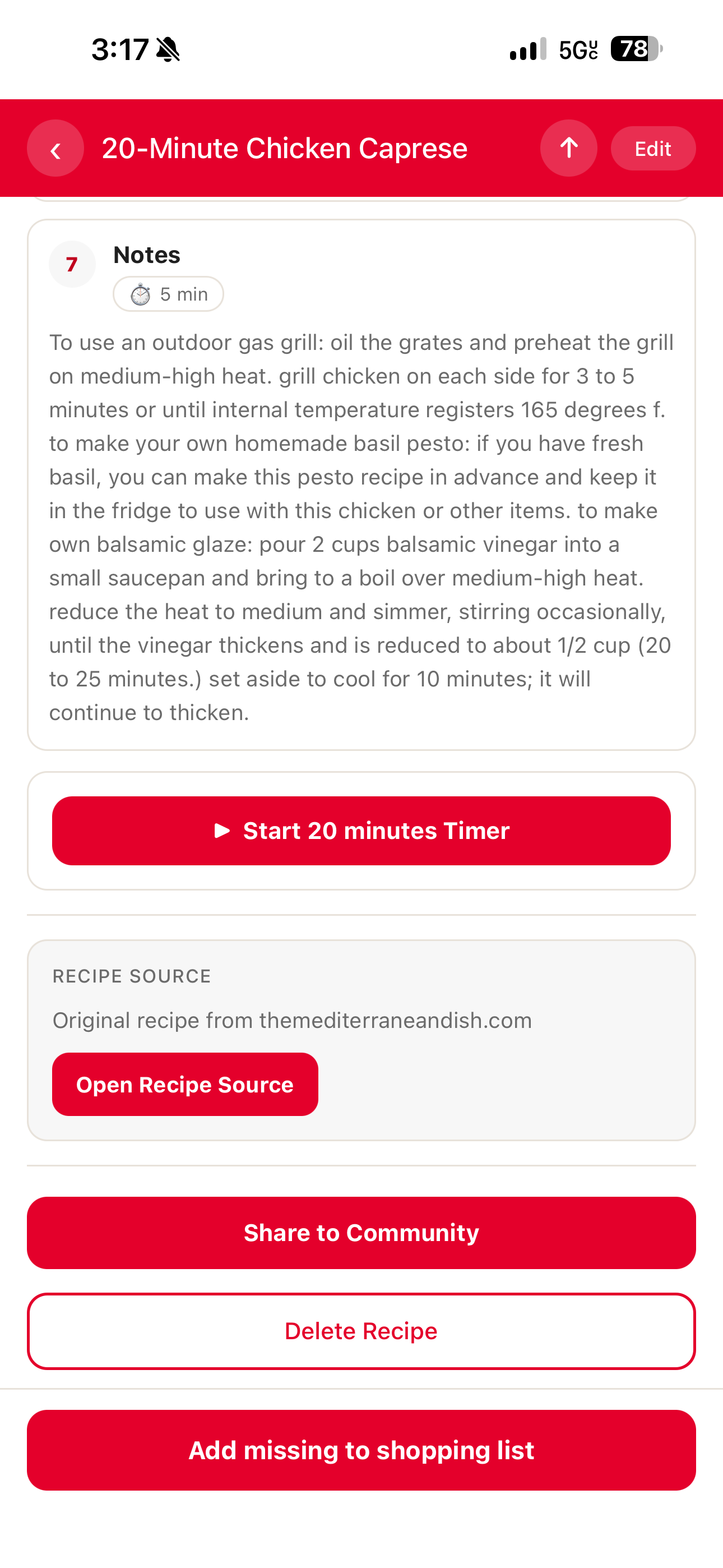
Share to a community
- Open a recipe you can manage.
- Scroll to the recipe management section.
- Tap Share to Community.
- Choose a community from the list.
- Tap Done when you are finished.
The community list shows communities you have joined and marks each one as Private or Public. A check mark means that recipe is already shared with that community.
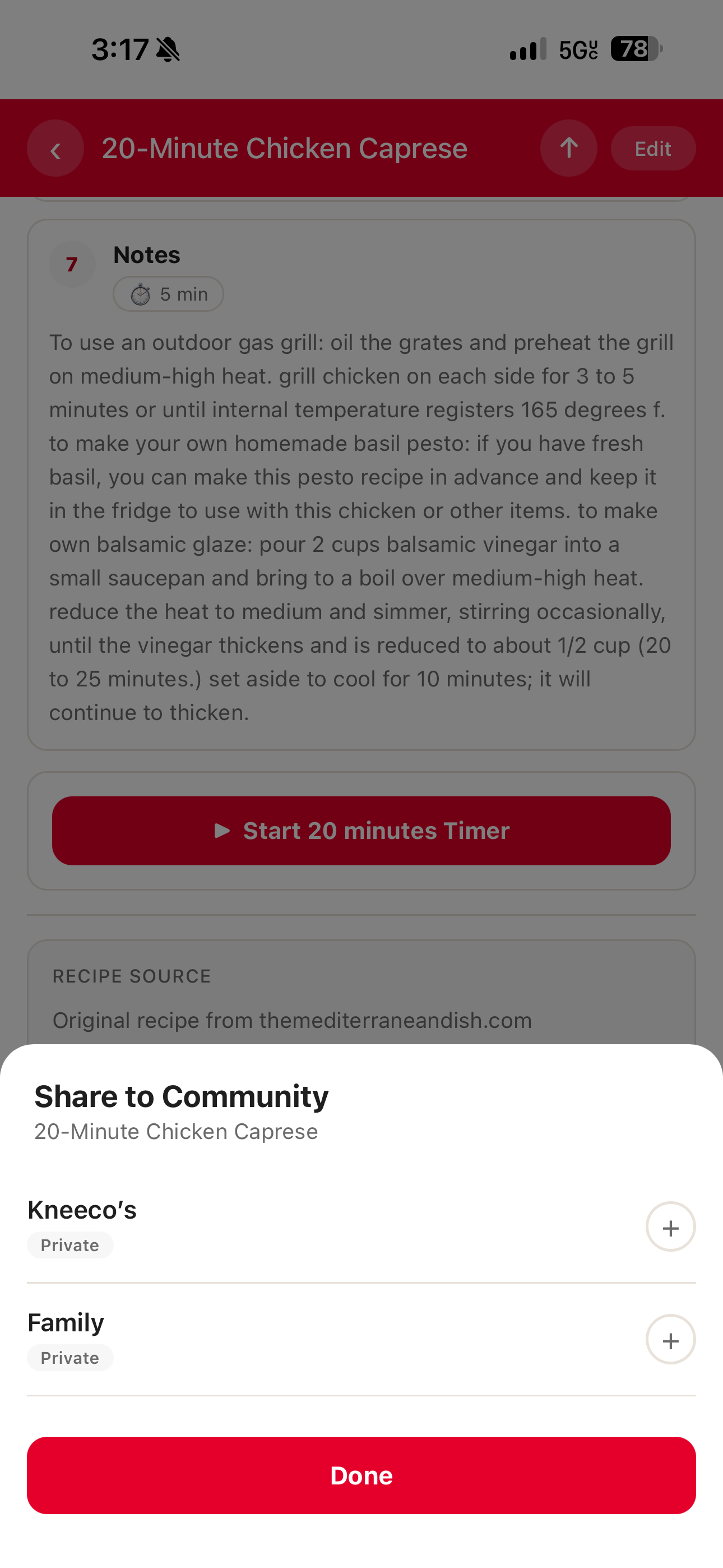
Remove a recipe from a community
- Open the recipe.
- Tap Share to Community.
- Tap a checked community.
- Confirm Remove.
Removing the recipe from the community does not delete the original saved recipe.
If you do not see any communities
Create or join a community first. See Groups.
What recipients receive
For device sharing, recipients receive the Clever Cupboard message and link prepared by the app. For community sharing, members see the shared recipe inside the community and in private community recipe lists they can access.
What happens next
Shared recipes can be opened from the community recipe list. A recipe opened from a private community keeps its community context when you share its link.