Organize Your Recipes
As your recipe library grows, a few tools keep it easy to browse.
Categories
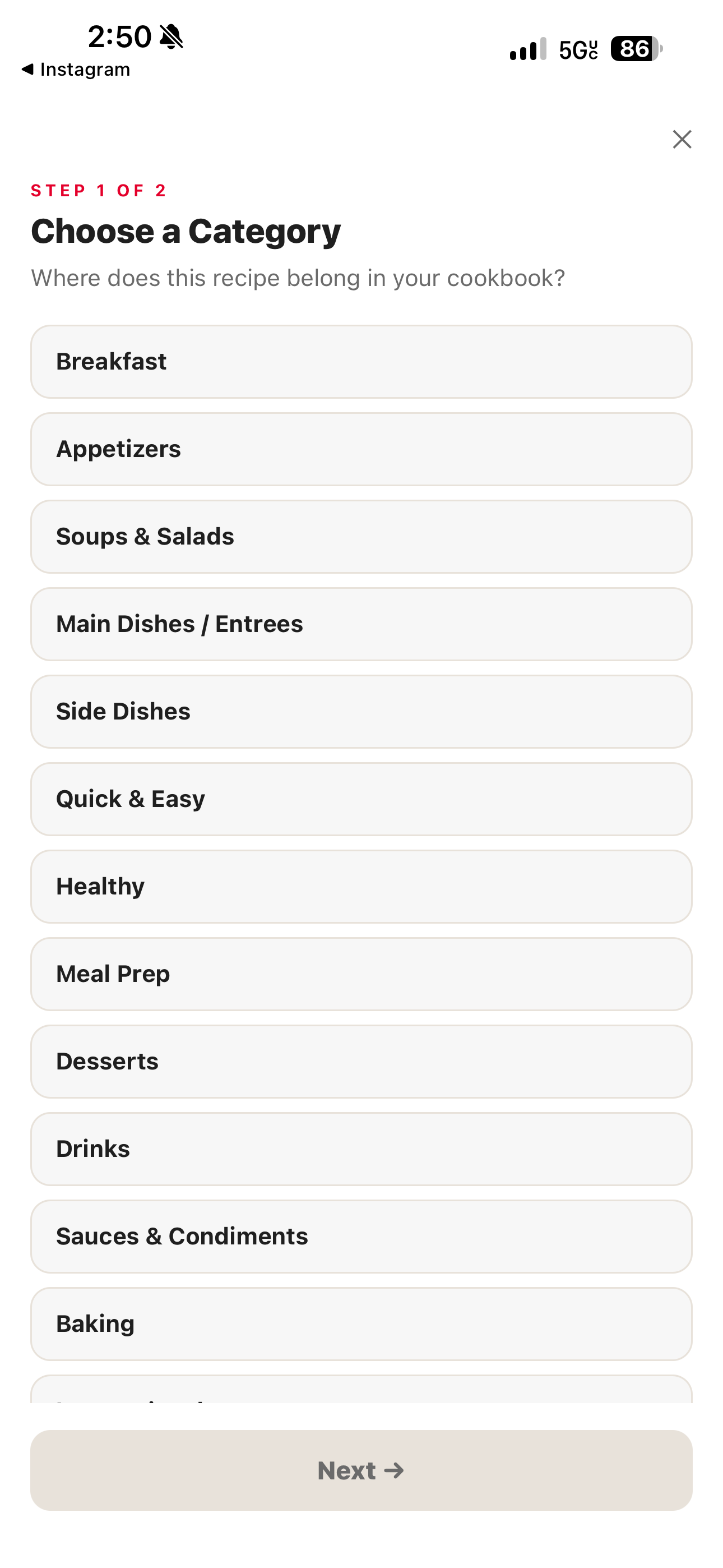
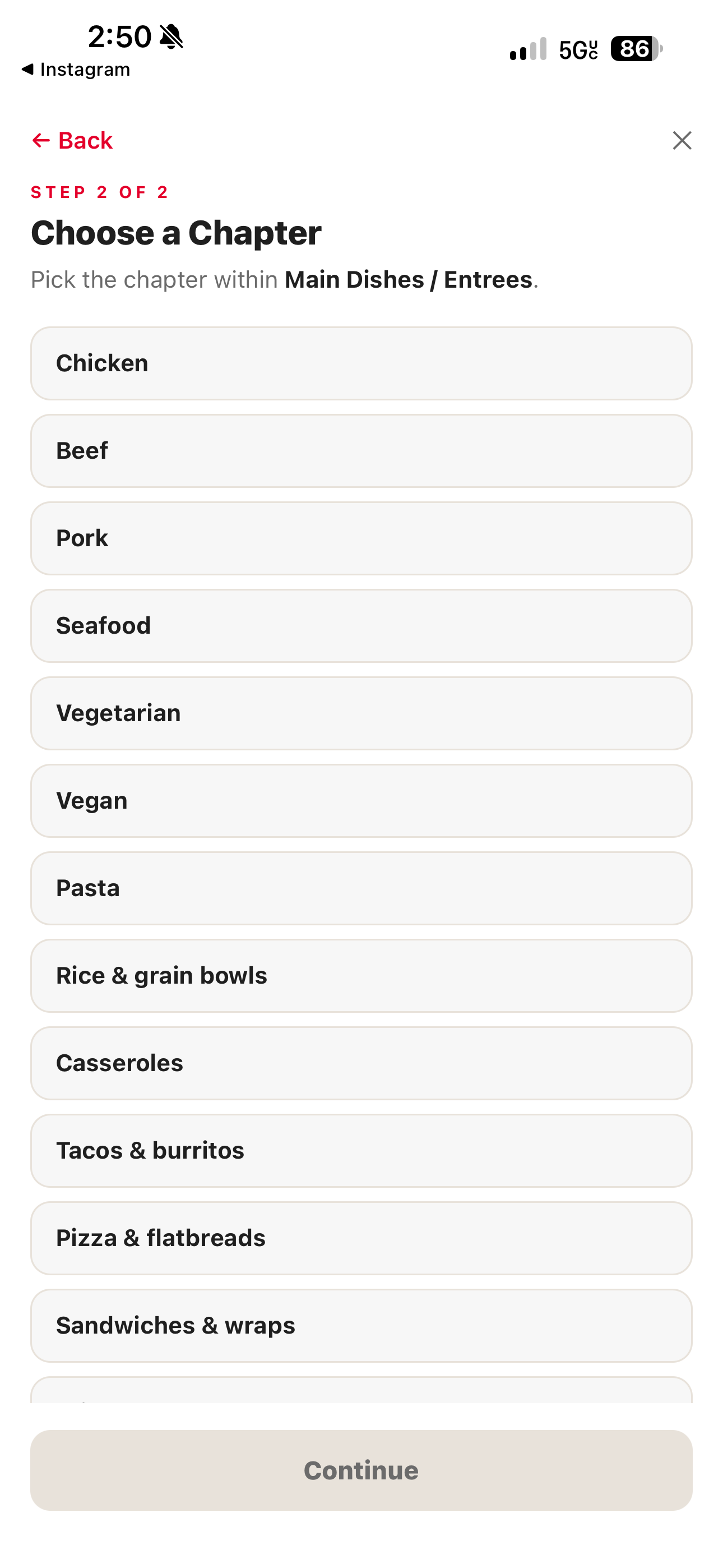
Every recipe can have a category (for example, a meal type). Categories power both search and section filtering — see Find and Search Recipes.
- Open a recipe and tap the edit button.
- Set or change its category.
- Save your changes.
Favorites
Mark recipes you cook often, or want to come back to, as favorites.
- Open Clever Cupboard and go to the Recipes tab.
- Find the recipe.
- Tap the favorite badge on the recipe.
Sections and subsections
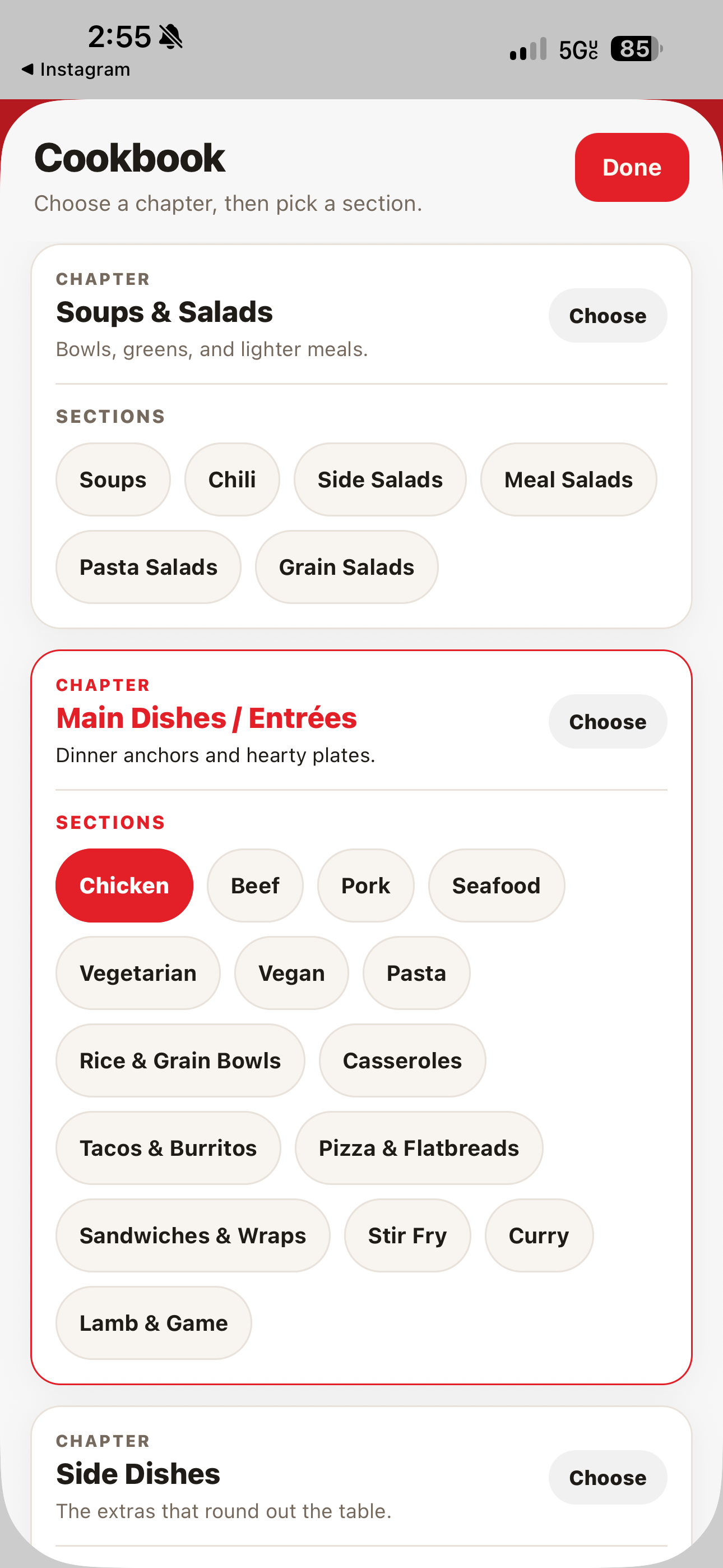
Use the section filter on the Recipes tab to browse a slice of your library, like a single meal type, instead of scrolling everything. See Filter by section.
What happens next
A well-categorized, favorited library makes search and section filtering faster, and makes it easier to find what you want to cook next.
For shared recipe spaces, see Groups.