Meal Planning
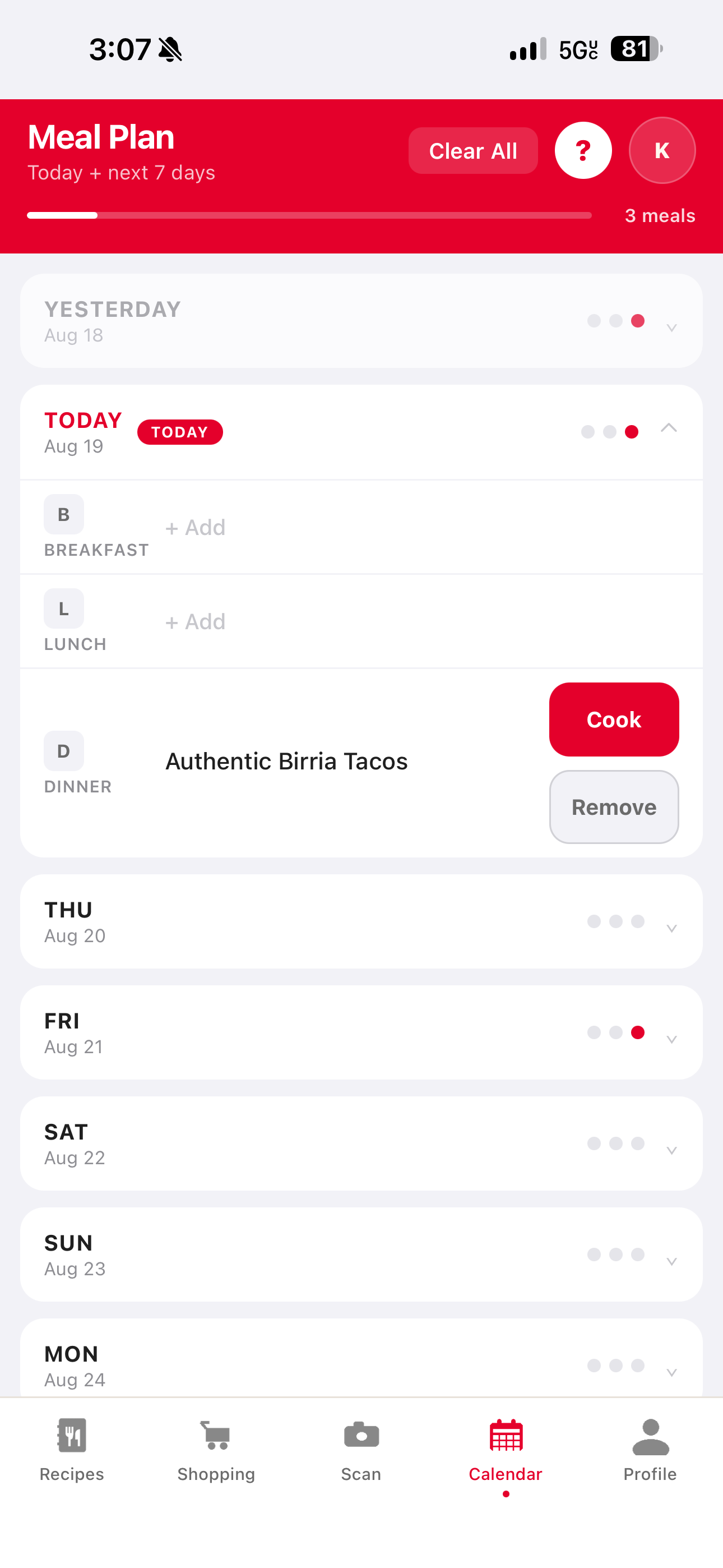
Use the Calendar tab to plan meals for the week. You can add meals from a recipe, from the cookbook, or from the Calendar screen.
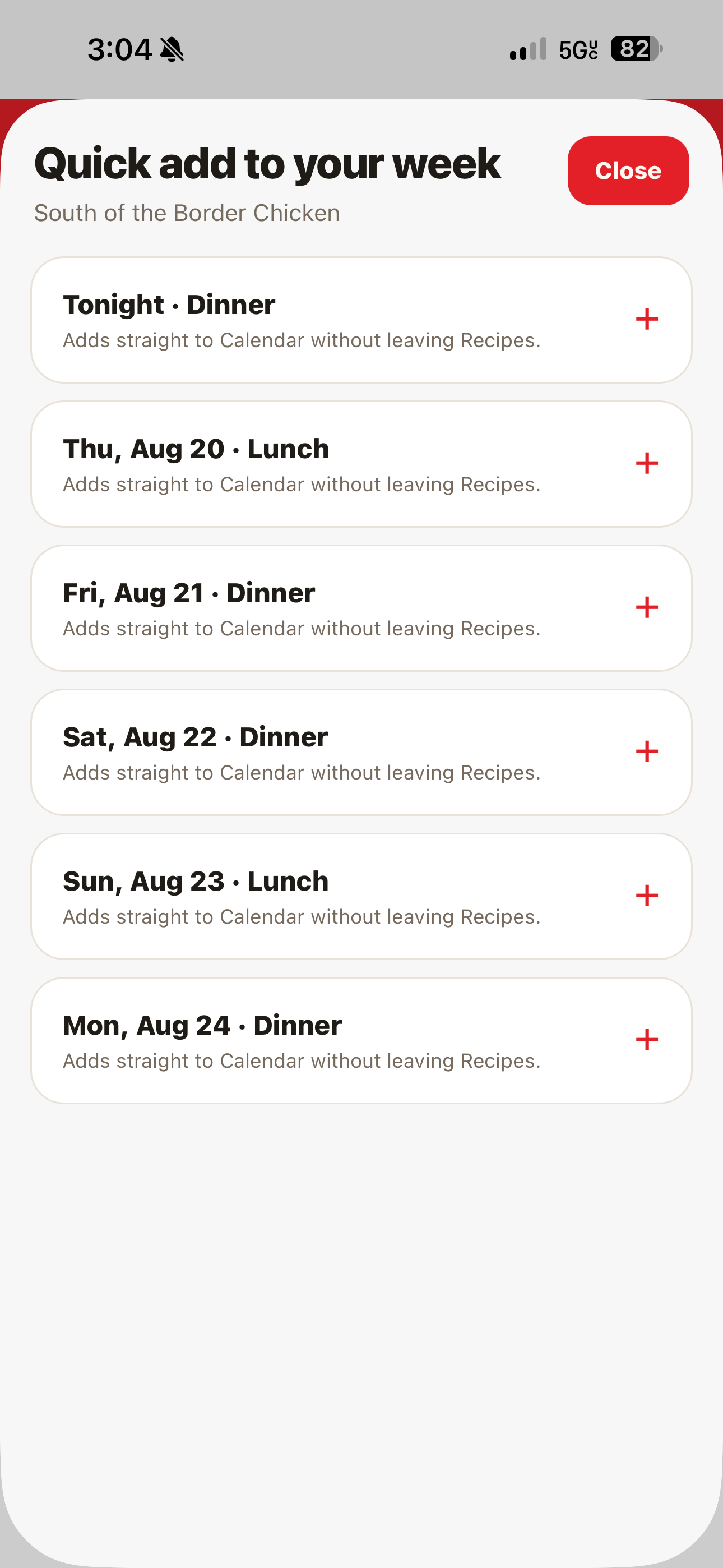
Quick add from a recipe
When you are browsing recipes, use Add to Calendar or the quick-add menu to place a recipe into an open meal slot.
Review your week
- Open the Calendar tab.
- Swipe or scroll to the week you want.
- Tap an open meal slot to add a recipe.
- Tap a planned meal to cook it or remove it.
What happens next
Planned meals can help populate Shopping with nearby ingredients. See Shopping.