Getting Started
Clever Cupboard helps you save recipes, plan meals, build shopping lists, and cook from your recipe library.
The five tabs
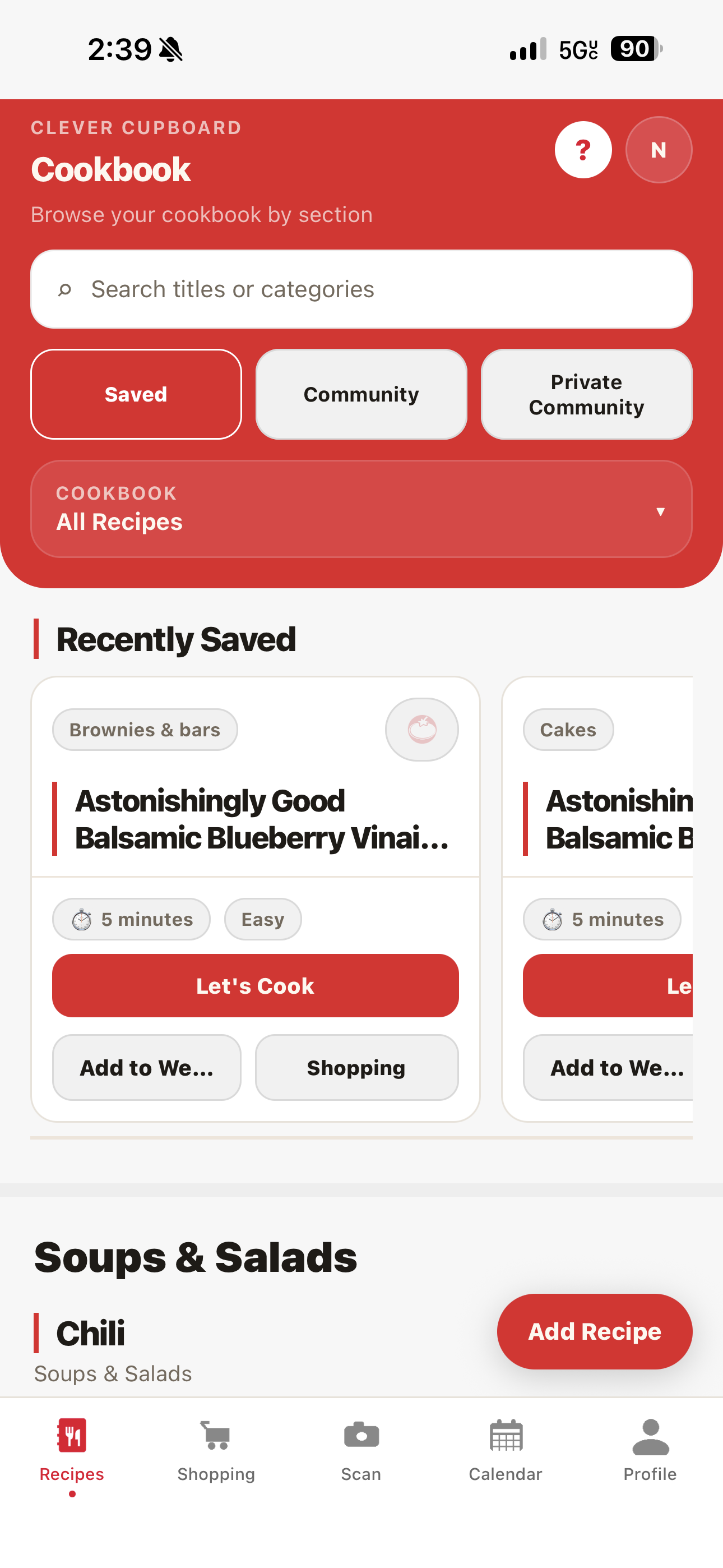
Clever Cupboard has five tabs at the bottom of the screen:
| Tab | What it's for |
|---|---|
| Recipes | Browse, search, and organize your saved recipes |
| Shopping | Your shopping list |
| Scan | Scan or manage your pantry |
| Calendar | Plan meals for the week |
| Profile | Your account, settings, and support |
Do I need an account?
You can browse community recipes without an account.
To save recipes, plan meals, or build shopping lists, you need a free Clever Cupboard account.
Steps
- Open Clever Cupboard.
- If you don't have an account yet, follow the sign-up prompts on the welcome screen.
- Once signed in, go to the Recipes tab.
- Tap Add Recipe to save your first recipe.
What happens next
You're signed in and ready to add your first recipe. See Add Your First Recipe.
tip
Want to see the introduction walkthrough again? Go to the Profile tab and tap Replay Tutorial.