Find and Search Recipes
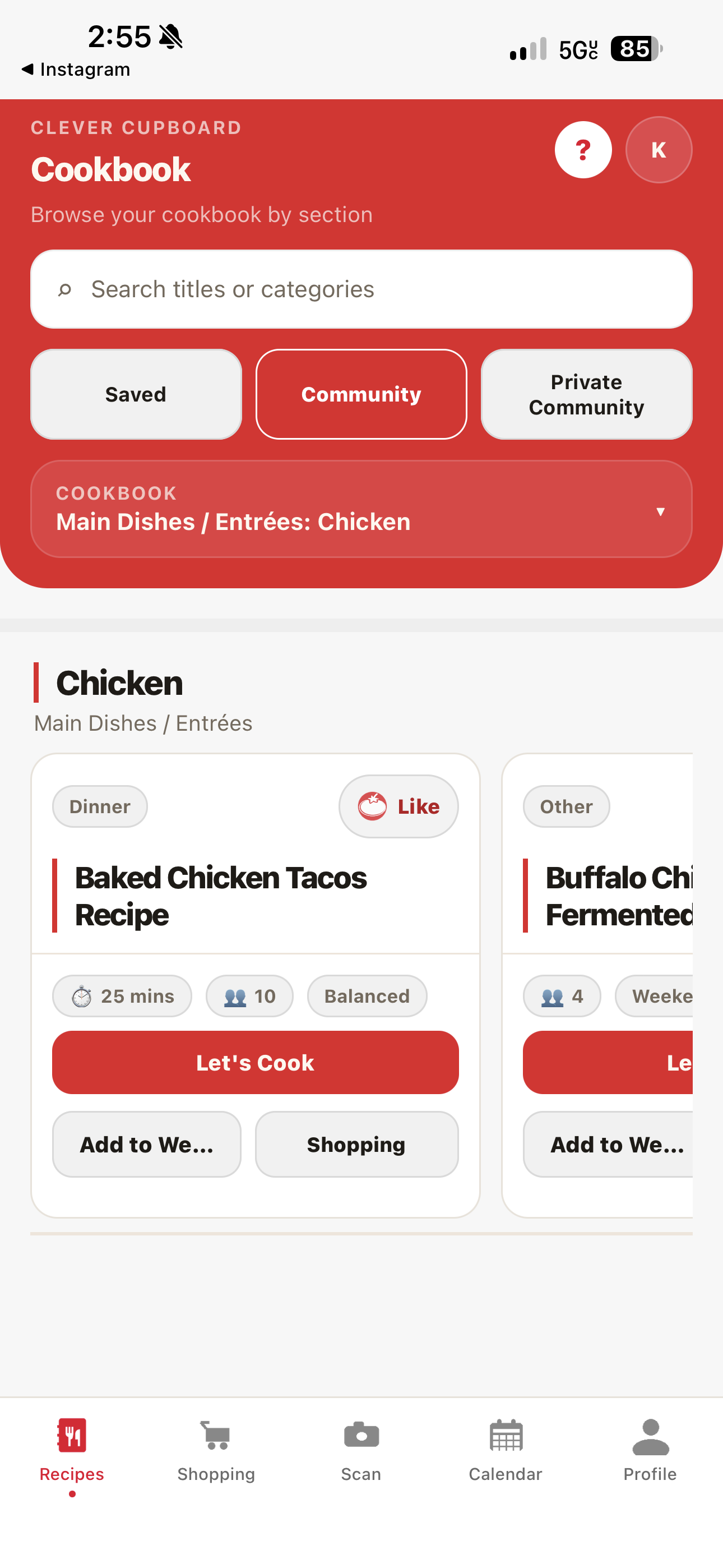
Search your recipes
- Open Clever Cupboard and go to the Recipes tab.
- Tap the search field.
- Type a recipe name or a category.
Clever Cupboard matches your search against the recipe title and its category, so a search like "chicken" finds both recipes titled "chicken" and recipes categorized under it.
Filter by section
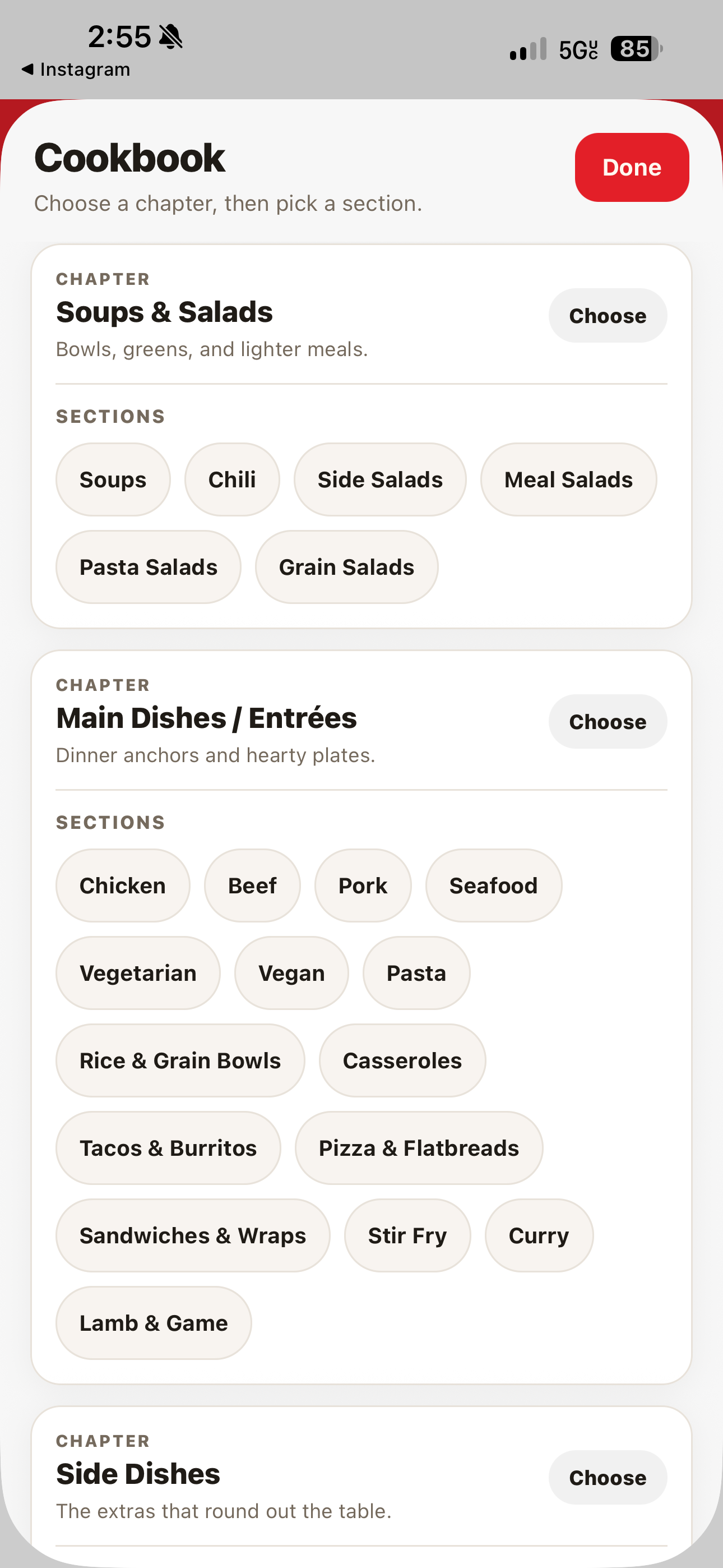
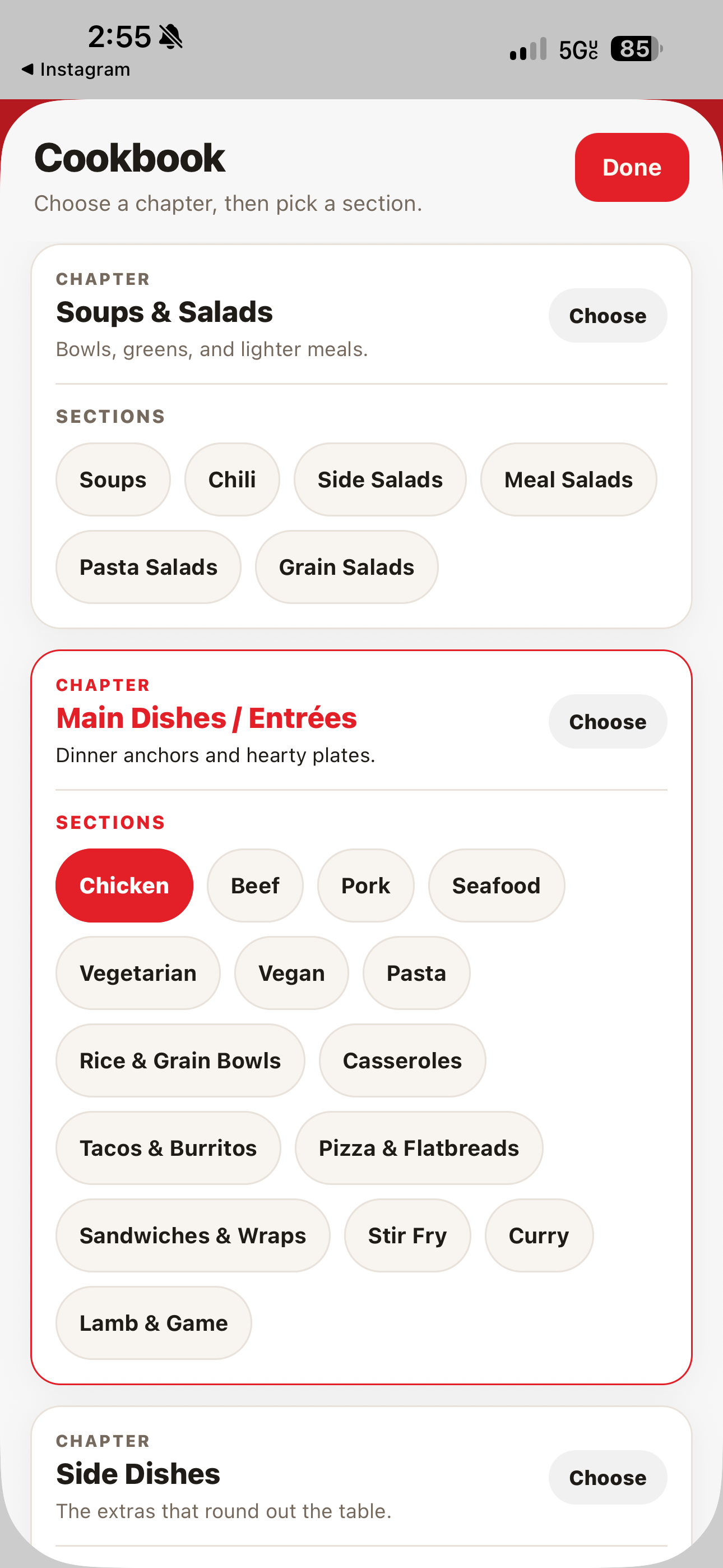
Recipes can also be filtered by cookbook section and subsection, so you can browse a slice of your library — like a single meal type — instead of scrolling the whole list.
- Go to the Recipes tab.
- Open the filter control above the recipe list.
- Choose a section (and subsection, if shown).
What happens next
The recipe list narrows to what matches your search or filter. Clear the search field or filter to see your full library again.
See also Organize Your Recipes for favorites and categories.