Cook Mode
Cook Mode gives you a simpler view of a recipe while you're cooking, so you can follow along without scrolling through the full recipe page.
Steps
- Open Clever Cupboard and go to the Recipes tab.
- Open a saved recipe.
- Tap Cook Mode.
- Follow the steps at your own pace.
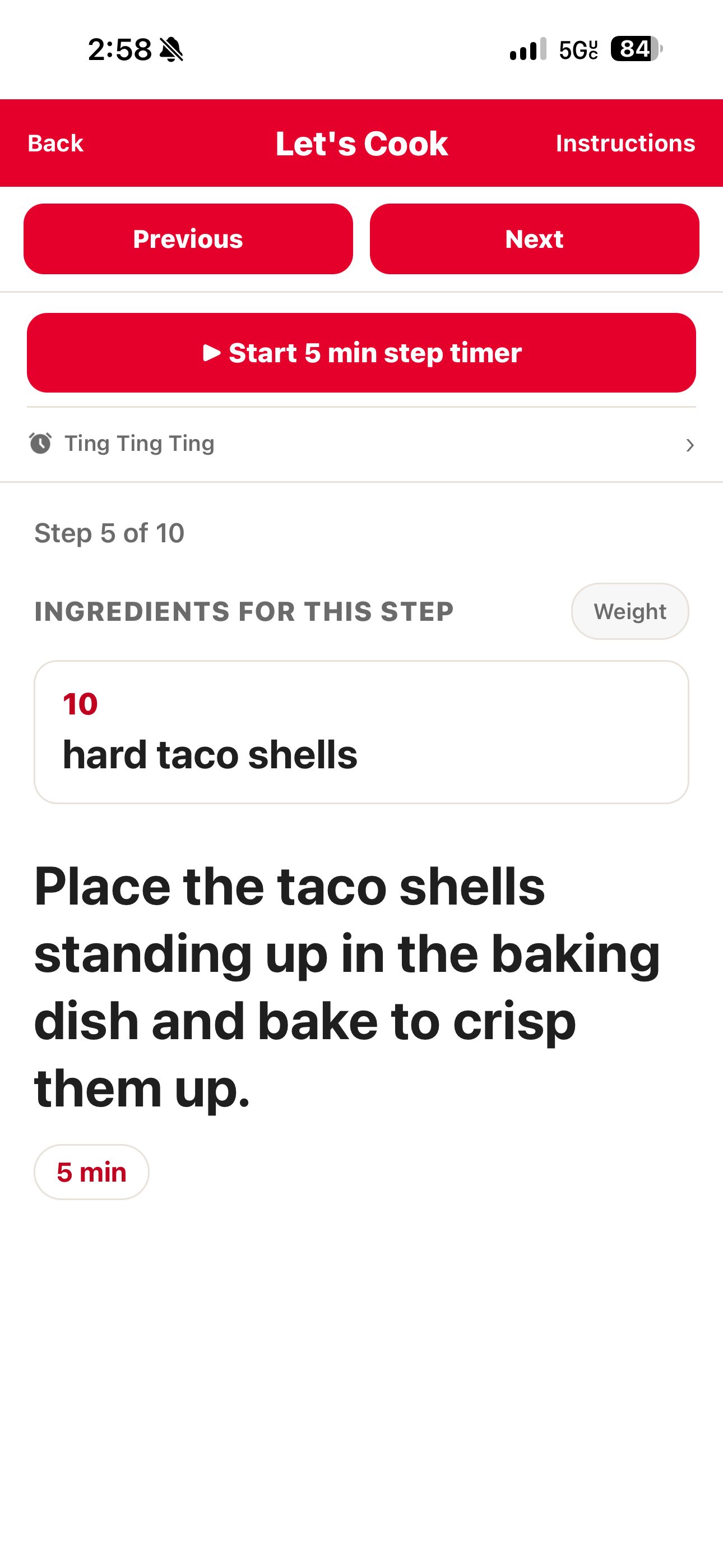
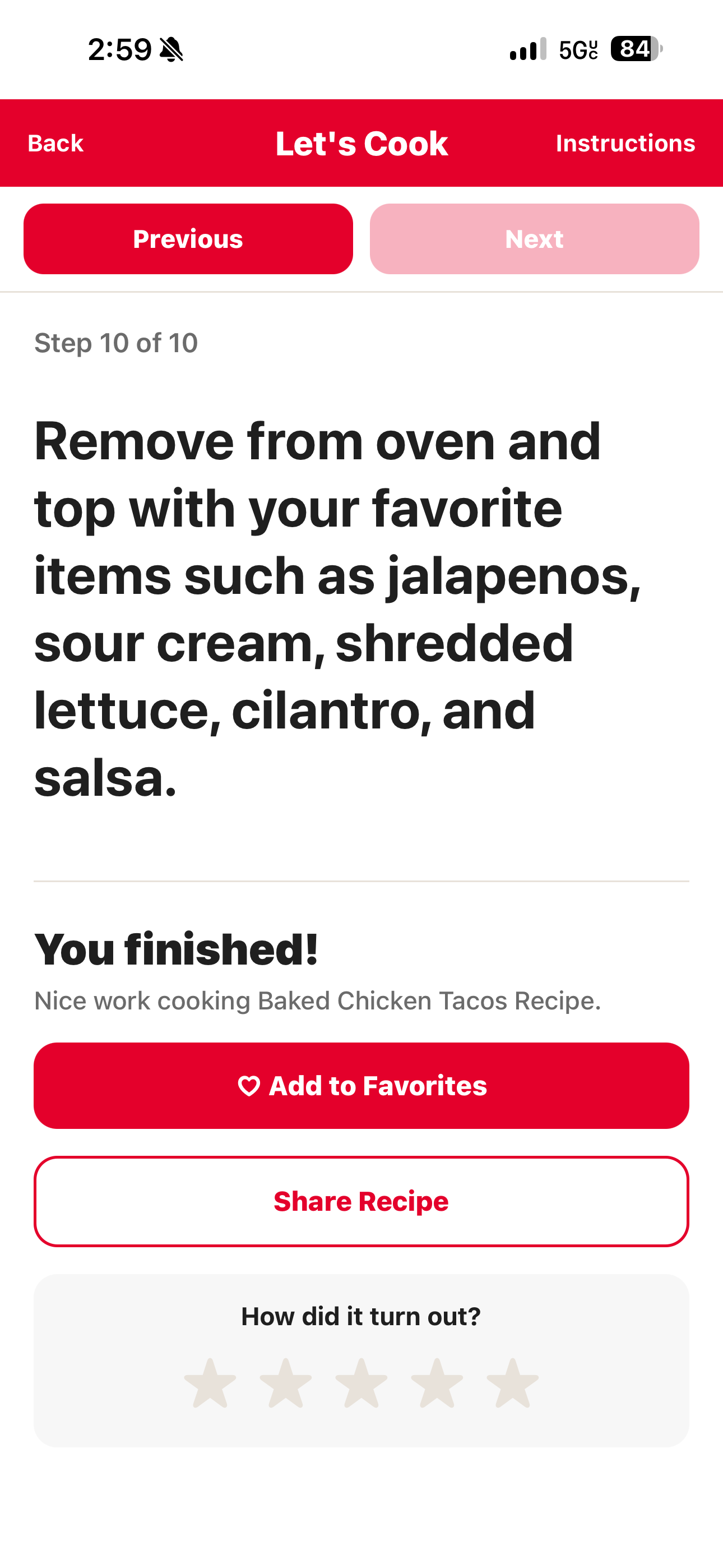
What happens next
You can move through the recipe step by step until you're done cooking. To make changes to the recipe itself, exit Cook Mode and tap the edit button — see Save and Edit Recipes.
tip
Want to fix something before you start cooking? Edit the recipe first — see Save and Edit Recipes.