Clever Cupboard Pro
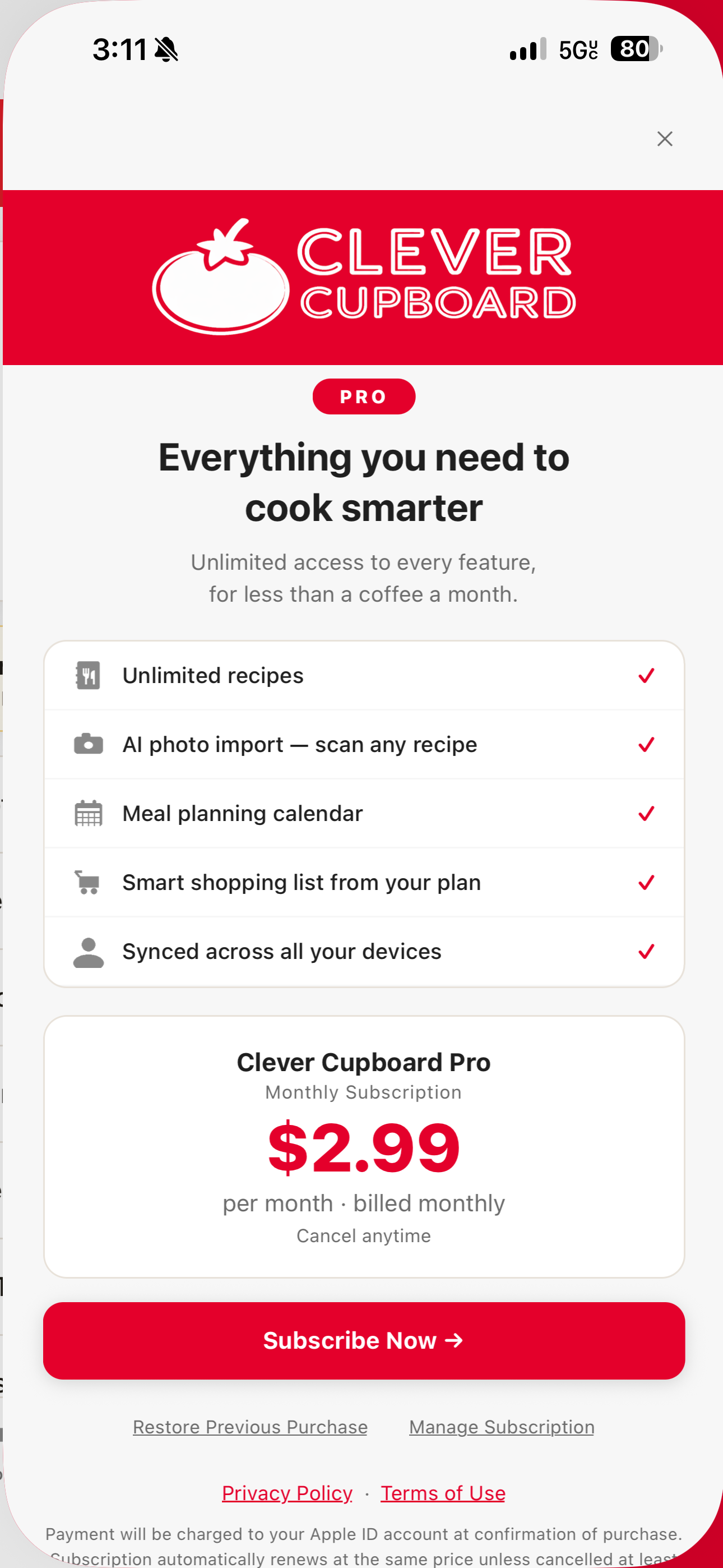
Clever Cupboard Pro is managed inside the app before you subscribe. Review the feature list, price shown on your device, and subscription controls before confirming.
Restore purchases
If you reinstall Clever Cupboard or move to another device, open the Pro screen and tap Restore Previous Purchase. Use the same Apple ID you used when subscribing.
Manage or cancel
Subscriptions are managed through your Apple ID account settings. The Pro screen includes Manage Subscription when the platform supports it.
What happens next
For more subscription answers, see Frequently Asked Questions.