Account and Settings
You need a Clever Cupboard account to save recipes, plan meals, and sync your data.
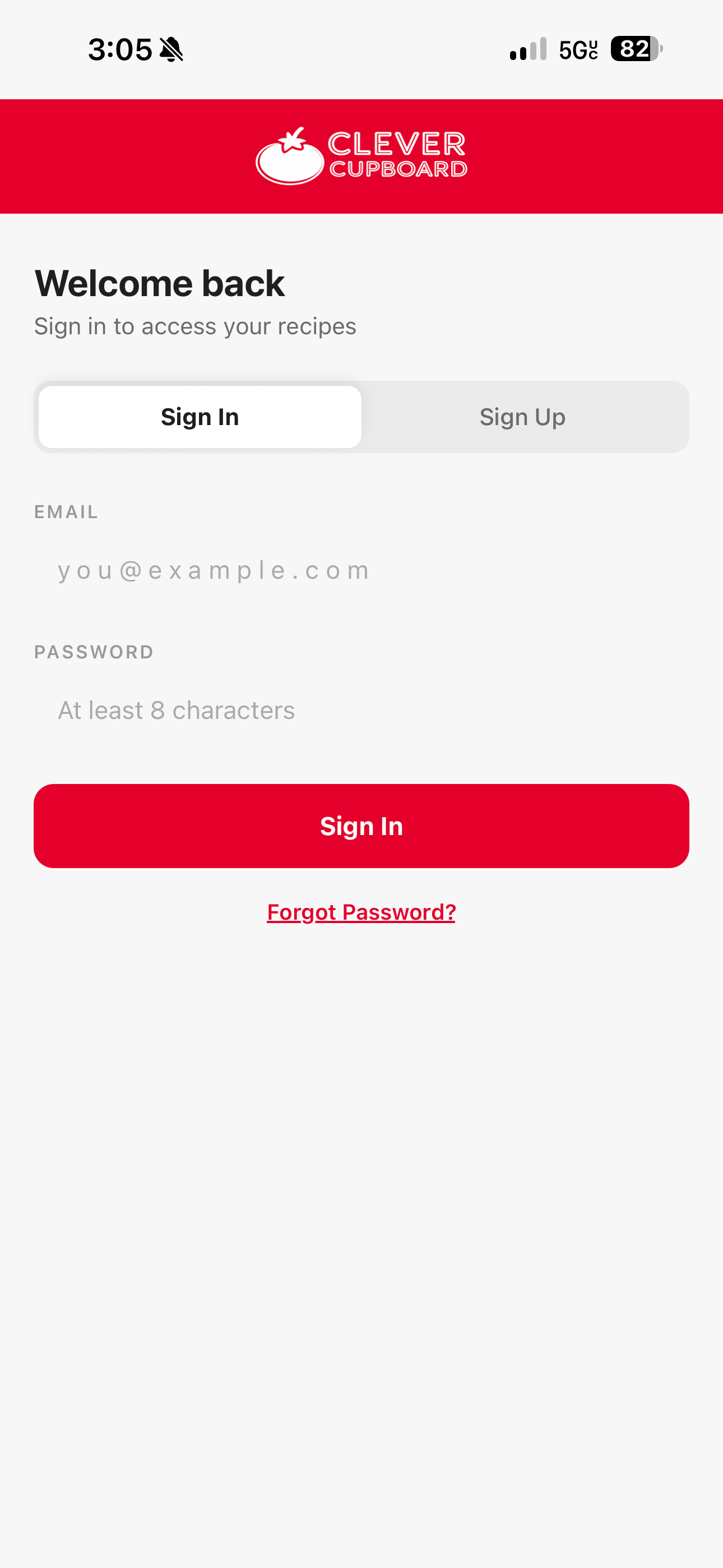
Sign in
- Open Clever Cupboard.
- Enter your email address and password.
- Tap Sign In.
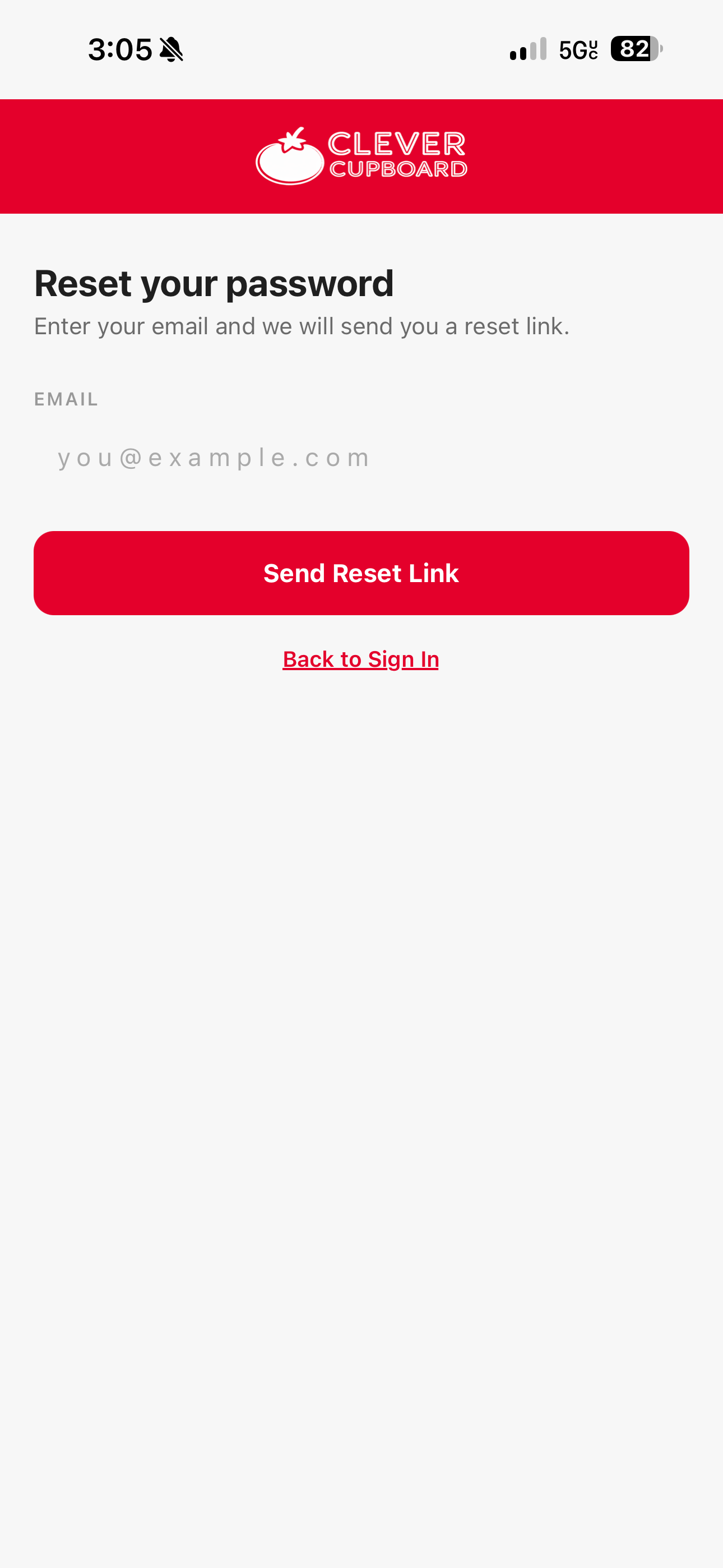
Reset your password
- On the sign-in screen, tap Forgot Password?.
- Enter your email address.
- Tap Send Reset Link.
- Check your email and follow the reset link.
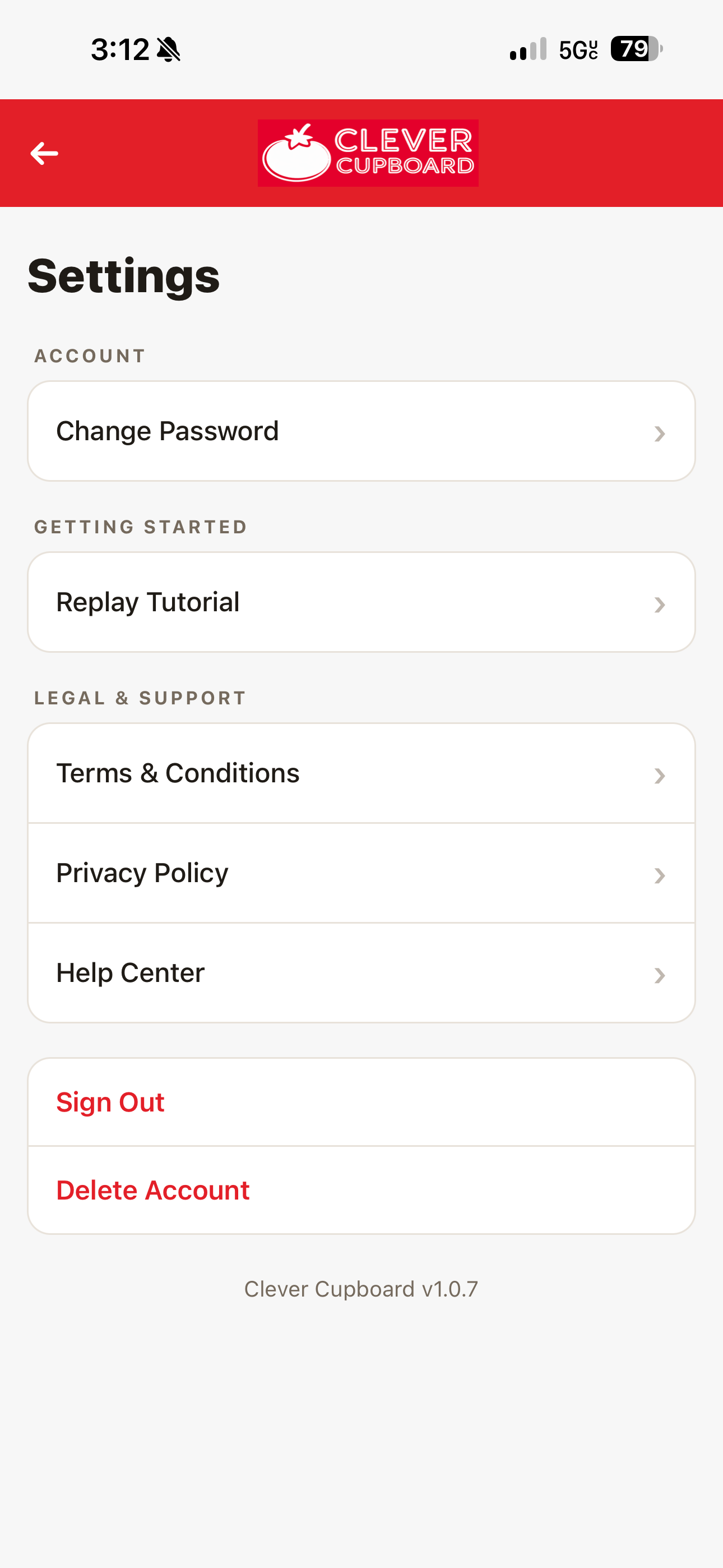
Settings
Open Profile, then tap Settings. From Settings you can change your password, replay the tutorial, open legal pages, open the Help Center, sign out, or delete your account.
What happens next
For subscription help, see Clever Cupboard Pro. For support, see Getting More Help.